
Guides
Step-by-step help for recording on a Mac, and how TinyRecorder compares with other tools.
How-to guides
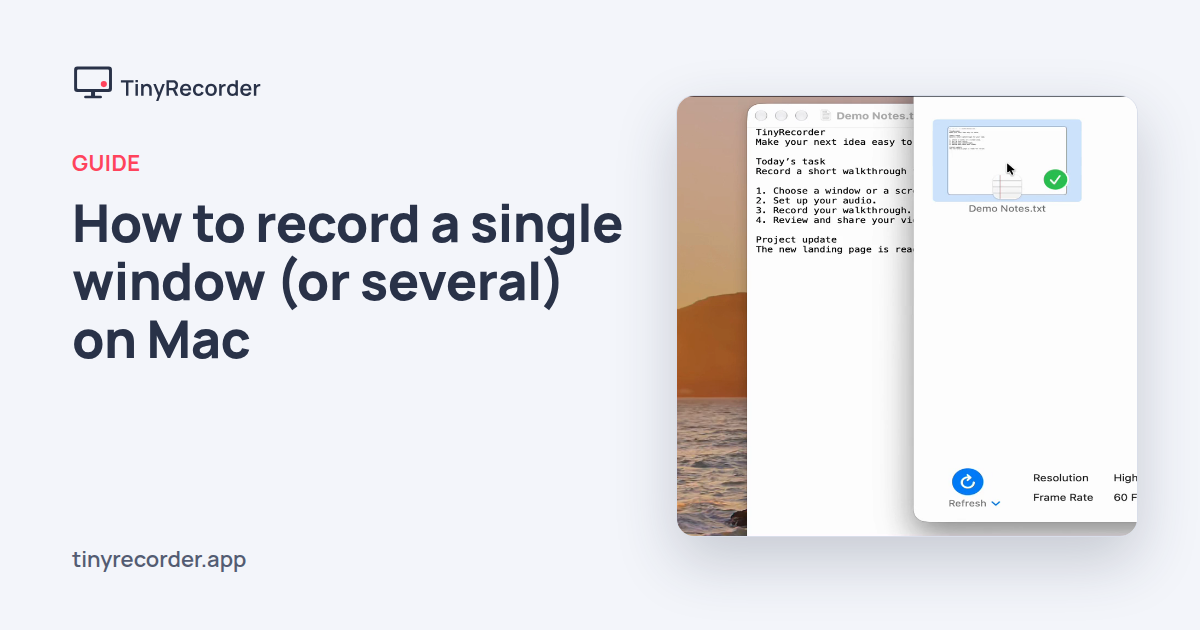
How to record a single window (or several) on Mac
Record one window, several windows or every window of an app, without your desktop or other apps in the video.
How to record an iPhone or iPad screen on a Mac
Plug in your iPhone or iPad, pick it in TinyRecorder, and record its screen as a video file on your Mac.
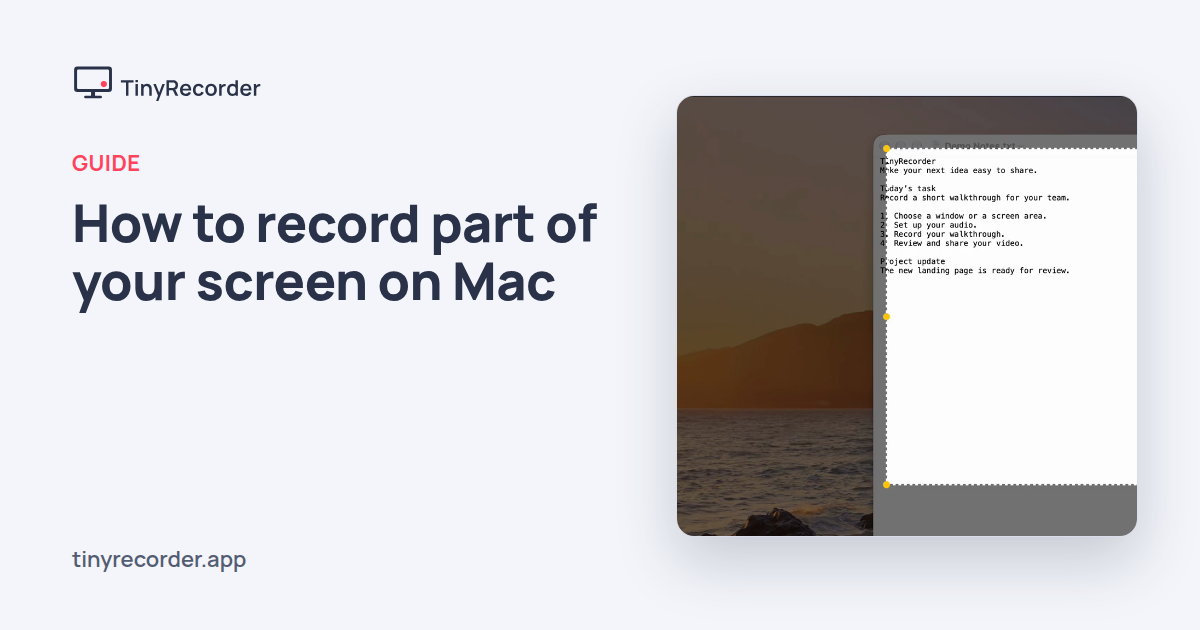
How to record part of your screen on Mac
Drag out a rectangle, fine-tune it with handles or exact numbers, and record just that part of your screen.
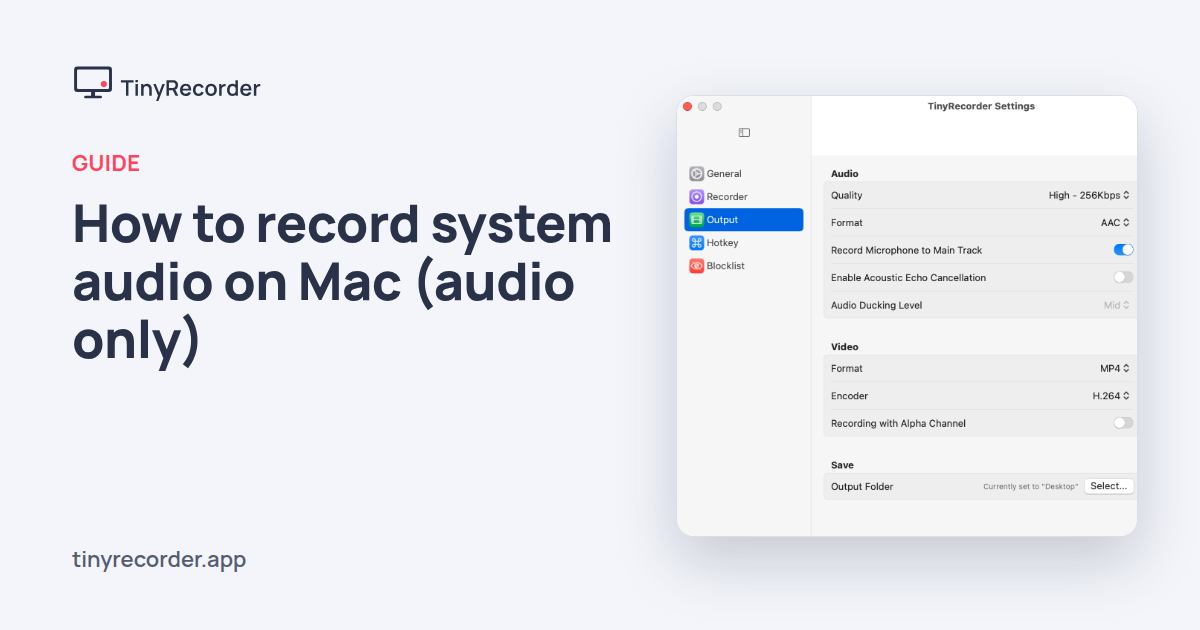
How to record system audio on Mac (audio only)
Record the sound your Mac plays, with or without your mic, as AAC, MP3, Opus or lossless ALAC and FLAC.
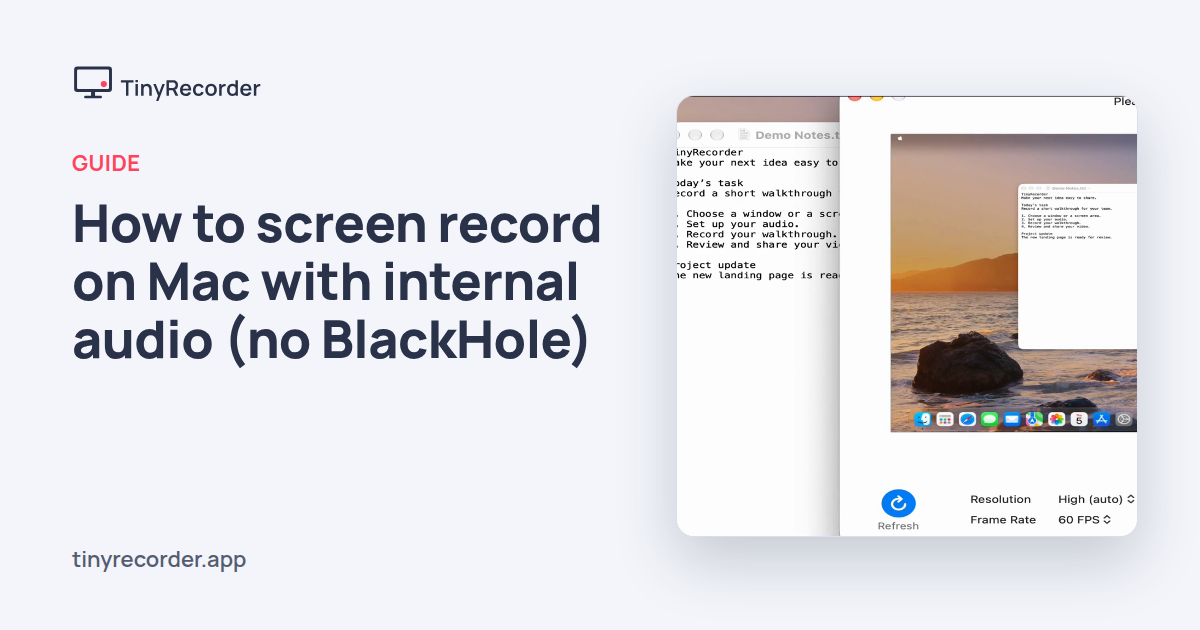
How to screen record on Mac with internal audio (no BlackHole)
Record your screen with the Mac's own sound, plus your voice if you want, without installing a virtual audio driver.
Comparisons
QuickRecorder alternative for macOS 27: TinyRecorder, the maintained fork
QuickRecorder is no longer updated. TinyRecorder continues it, fixes the macOS 27 menu bar bug and adds reliability fixes.
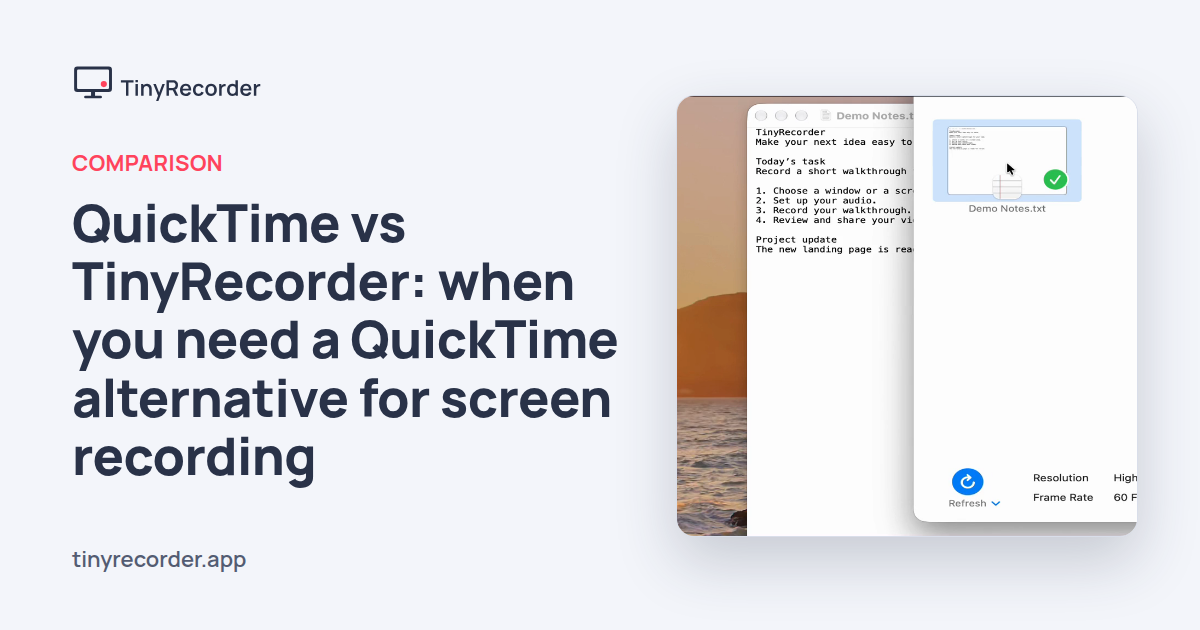
QuickTime vs TinyRecorder: when you need a QuickTime alternative for screen recording
What the built-in Mac screen recorder does well, where TinyRecorder adds more, and when QuickTime is all you need.